
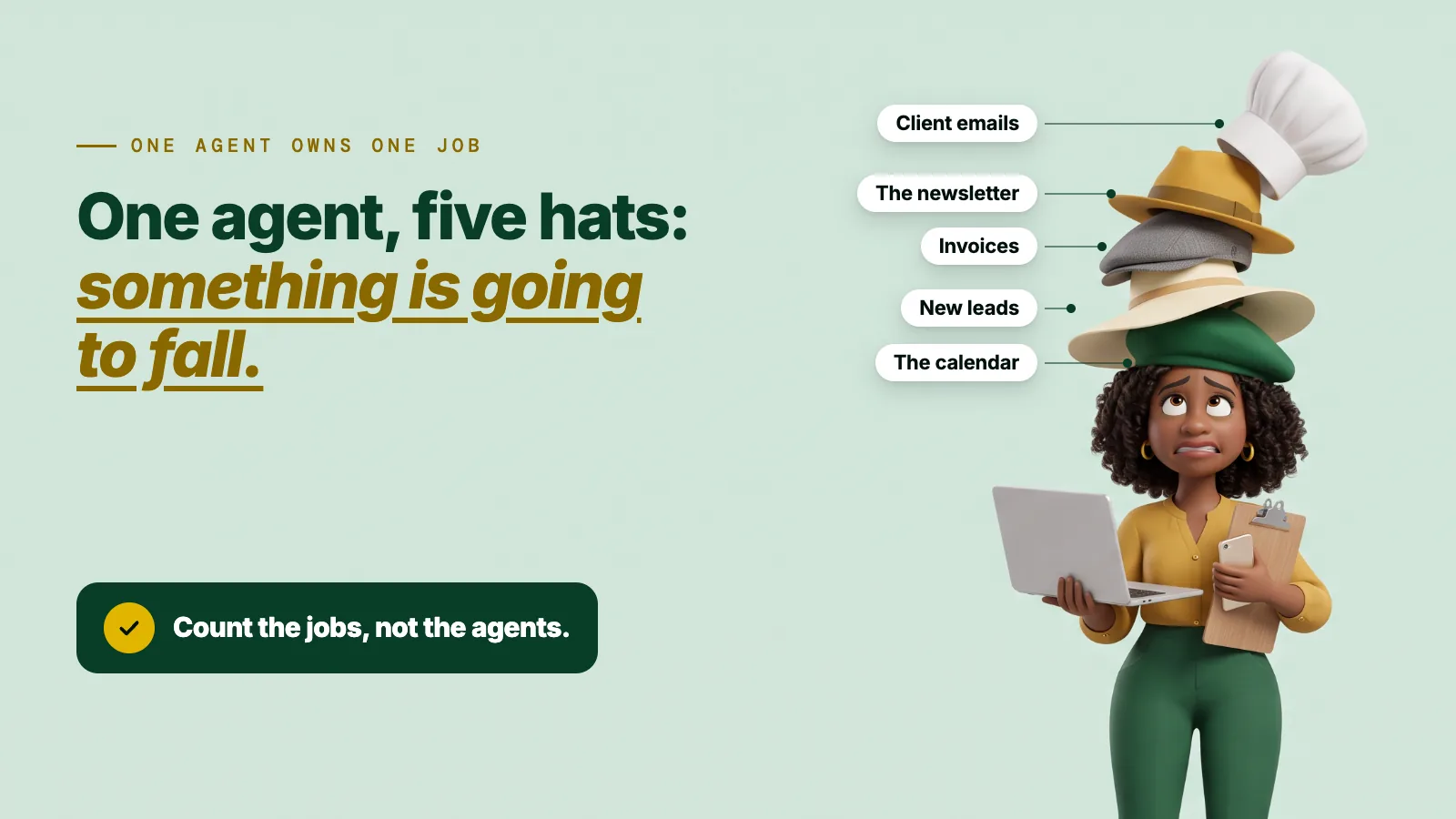
On Monday you ask your one AI helper for three things: write Thursday’s post, answer a client and update your tracker. It writes the post. It answers half the email. It never touches the tracker.
You think about building a second one, and then a third. Before you do, look at what you asked the first one to carry.
The short answer
- Not at first. One AI agent is enough while it holds one job.
- You need a second one when the first is holding two jobs that do not belong together.
- The signs are steps it forgets, old instructions it still follows, and things it adds that you never asked for.
- Split the work by job, and give each job one owner.
- Not every job needs an agent. Some go to a tool you already have, or back to you.
In this post
Do you need more than one AI agent?
Not until the one you have is holding more than one job. One agent with one job can run a real piece of your business, and plenty of owners never need a second.
The question usually shows up the other way around. You hear someone say they have a whole team of agents, and you look at your one helper and wonder what you are missing. You are not behind. A team is what you end up with after the work asks for it.
So the number is the wrong thing to count. Count the jobs. One helper carrying three jobs is in more trouble than three helpers carrying one each.
Why would one AI agent not be enough?
Because every job you add is one more set of instructions it has to keep straight. A person who answers the phones, writes the newsletter and chases the invoices drops one of the three on a busy day. Your agent does the same thing, and it never tells you which one it dropped.
I did this to one of my own agents. Harriet ran my community group, and she ran it well. Then I handed her outreach, and then finding leads, because she was already there and it was easier than setting up someone new.
Her work on the group started to suffer, and I blamed her instructions. I rewrote them more than once. The instructions were fine. She had three jobs, and I was the one who gave them to her.
Overwhelm is not sustainable for you. It is not sustainable for the helper you built either.
How do you know your agent is doing too many jobs?
It tells you, in the mistakes it makes. When I asked a room of women who use AI why their agents struggle, nobody chose “it is doing too many jobs.” They chose what it feels like:
- It forgets steps you know you gave it.
- It still does the old thing after you changed the instructions.
- It adds things you never asked for.
Any one of these can have another cause. All three together, on a helper whose list keeps growing, point to the list.
Here is a quick test. Describe what your agent does in one sentence. If you need the word “and” more than once, you are describing more than one job.
An overloaded agent is also how finished work starts coming back to you, which I wrote about in why your AI agents keep redoing work you already finished.
When is one agent the right answer?
When the work is one job, however big that job is. Writing every piece of your weekly content is one job. Answering every client email is one job. A big job is fine. A mixed one is where the trouble starts.
The people who make these tools say the same. Anthropic, the company behind Claude, advises builders to “start with the simplest approach that works, and add complexity only when evidence supports it.”1 Microsoft’s guidance has most new uses begin with a test of a single agent.2
There is a cost side too. Anthropic reports that a team of agents typically uses 3 to 10 times more tokens than a single agent doing the same task.1 Tokens are what you are billed for, so a team you did not need is a bill you did not need.
That is why I never tell anyone to go build five agents. Add the second one when the first has shown you it is carrying too much.
How do you split one agent’s work into two?
List everything it does, group the list by job, and give each group one owner. You are not starting over. You are moving work off one desk and onto another, the way you would with a team member who has been covering for two people.
- Write down every task your agent does in a normal week.
- Circle the tasks that belong together. Each circle is one job.
- Keep the first job where it is. Your agent already knows it.
- Give the second job its own owner: a new agent, a tool you already pay for, or you.
- Write each one a short job description, with a line for what it never does.
Client care agent
Answers client emails
Writes the weekly newsletter
Chases unpaid invoices
The one job it owns: answering client emails
What it never does: writing content or touching invoices
It keeps the job it already knew.
The one job it owns: writing the weekly newsletter
What it never does: emailing clients or touching invoices
A new owner for the second job.
Notice the third job. Not every job needs an agent. Some go back to you for now, and that is a decision you get to make.
Before you build anything new, look at what you already have. When I took the extra work off Harriet, I checked my other agents first, because some of them were carrying very little. Only after that did I add two new ones for the community work alone.
| Can be prepared automatically | Needs a person |
|---|---|
| Listing every task your agent does in a week | Confirming the list is what really happens |
| Grouping the tasks that look like one job | Deciding where one job ends and the next begins |
| Drafting a job description for each owner | Approving each line, and what each one never does |
| Moving the instructions to the new owner | Choosing whether a job goes to an agent, a tool or you |
The right column is short on purpose. It is the same reason a standard operating procedure names who does each step: a tool, you or a team member.
Who keeps track once you have more than one?
One owner of the whole list. The moment you have two agents, somebody has to know which job belongs to which, or you are back to guessing.
On my team that is my chief of staff, an agent named Olivia Pope. Every other agent answers to her, and she checks that each one stays on its own job. It is how I would run a staff of people, and it is how I build every system: clear owners first, tools second.
If you have one agent and a spreadsheet, the owner of the list is you, for a few minutes a week. That is enough to start.
Agents take time to get right, so give yourself some grace and adjust as you go. I will be honest that I did not feel like adding another one. Once each of mine had one job, it felt like freedom.
So count the jobs. How many jobs is your one helper carrying right now?
Sources
- Cara Phillips, "When to use multi-agent systems (and when not to)," Anthropic, January 23, 2026. Read November 15, 2026.
- Microsoft, "Operational standards for AI agents," Cloud Adoption Framework, Microsoft Learn, November 9, 2026. Read November 15, 2026.
The cover pictures in this series are AI-generated illustrations.

Written by Kalilah Hudson
Kalilah spent fourteen years writing procedures and training the departments that ran them. She now builds the systems service businesses run on through North Star Operations.
Every Monday she sends one part of your sales and client system in The North Star Newsletter. Get the weekly guide.